
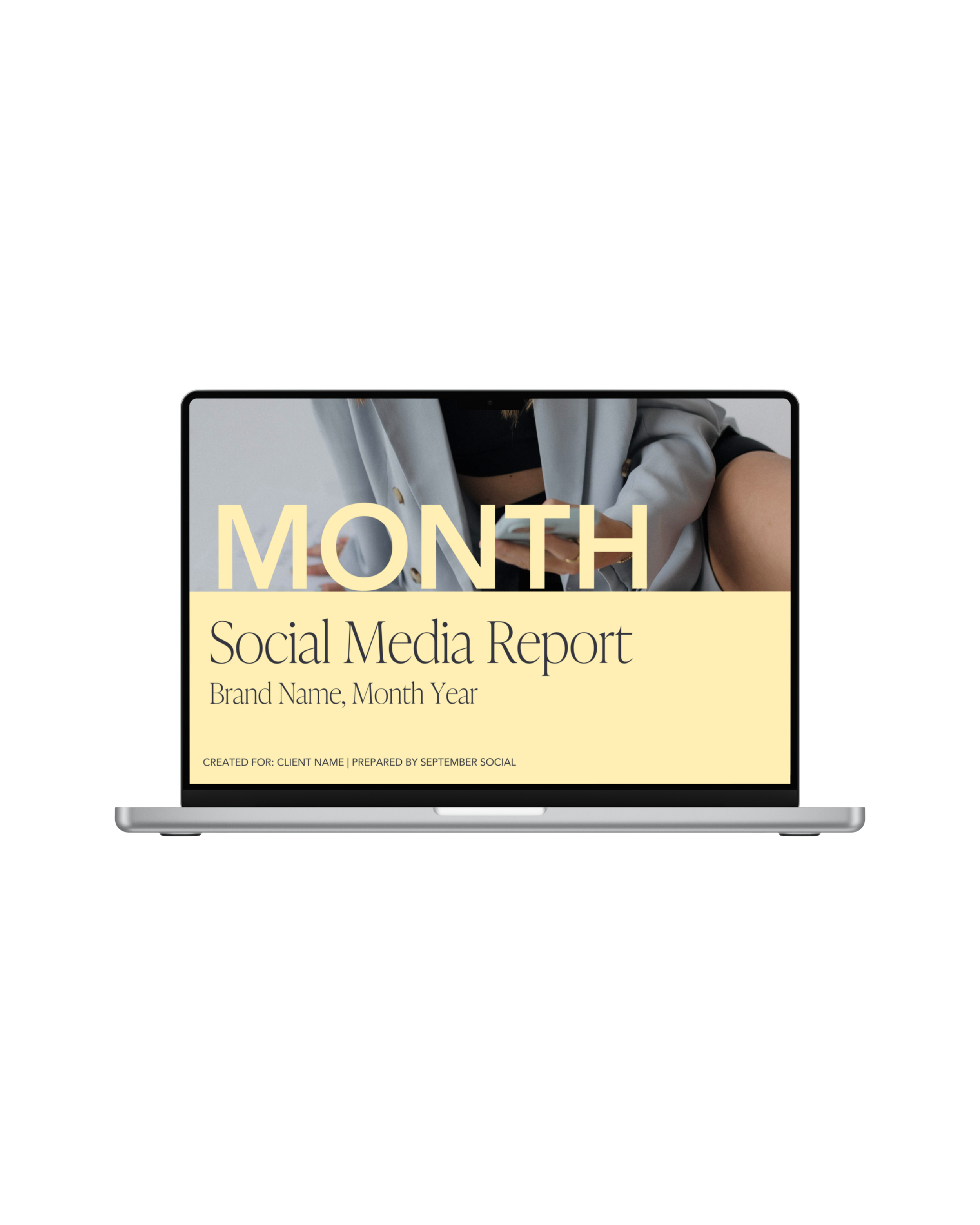
A plug-and-present Canva template for social media managers who want to make monthly reporting feel more intentional, strategic, and client-friendly, without designing a new report from scratch every month.
The Monthly Social Media Analytics Report Template gives you a ready-to-customize structure for turning social media performance into a report your clients can actually understand. Simply update the branding, add the month’s metrics and screenshots, personalize the written takeaways, and send it to your client.
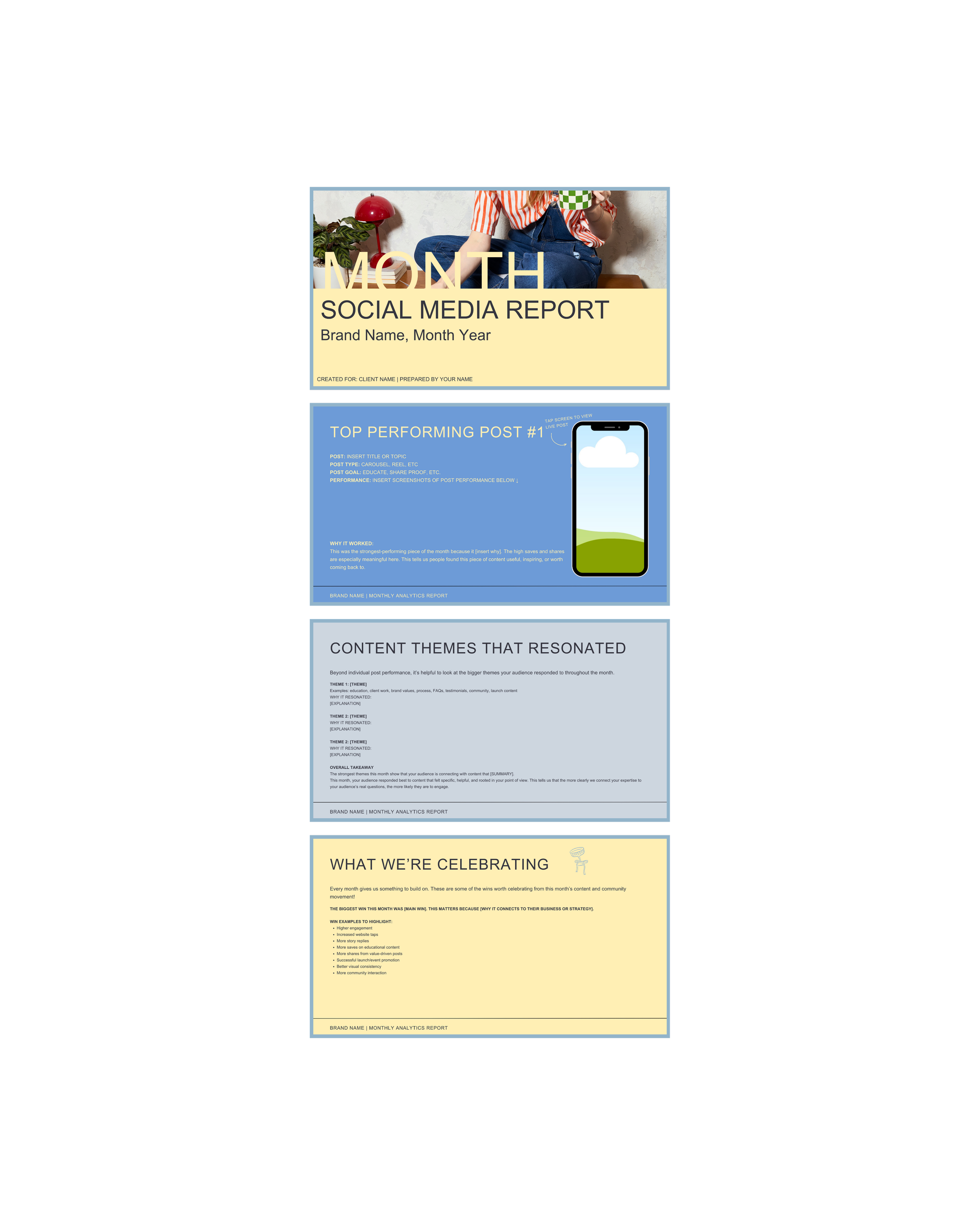
You’ll receive a 19-page, fully editable Canva template that includes:
Customizable cover page
Optional Loom walkthrough introduction
The month at a glance
Monthly content goals and focus
Instagram account overview
Audience growth and community health
Content performance by format
Three top-performing post breakdowns
Story performance recap
Content themes that resonated
Monthly wins and celebrations
Areas to refine
Newsletter performance
Strategic recommendations
Next month’s content priorities
Closing and thank-you page
The template includes built-in placeholders, prompts, examples, and suggested language to help you organize your insights and explain why the data matters.
Manage monthly content for one or more clients
Want their analytics reports to feel more professional
Are tired of building reports from scratch
Need a repeatable reporting process
Want to show the strategy behind their work
After purchasing, you’ll receive a link to access the template in Canva. Select Use template for new design to create your own editable copy.
Customize it for you and your client with brand fonts, colors, logos, and imagery.
Plug in client insights and adjust the copy based on what happened that month, what you noticed, and what you recommend moving forward.
Remove any pages you don’t need and add any additional ones you do.
Download the finished report as a PDF, present it during a client call, or pair it with a Loom walkthrough to give your client additional context.
This template is for personal or internal business use only. You may use it for your own brand or within your client workflow. You may not resell, redistribute, duplicate for resale, or claim this template as your own digital product.
Due to the digital nature of this product, all sales are final.
A plug-and-present Canva template for social media managers who want to make monthly reporting feel more intentional, strategic, and client-friendly, without designing a new report from scratch every month.
The Monthly Social Media Analytics Report Template gives you a ready-to-customize structure for turning social media performance into a report your clients can actually understand. Simply update the branding, add the month’s metrics and screenshots, personalize the written takeaways, and send it to your client.
You’ll receive a 19-page, fully editable Canva template that includes:
Customizable cover page
Optional Loom walkthrough introduction
The month at a glance
Monthly content goals and focus
Instagram account overview
Audience growth and community health
Content performance by format
Three top-performing post breakdowns
Story performance recap
Content themes that resonated
Monthly wins and celebrations
Areas to refine
Newsletter performance
Strategic recommendations
Next month’s content priorities
Closing and thank-you page
The template includes built-in placeholders, prompts, examples, and suggested language to help you organize your insights and explain why the data matters.
Manage monthly content for one or more clients
Want their analytics reports to feel more professional
Are tired of building reports from scratch
Need a repeatable reporting process
Want to show the strategy behind their work
After purchasing, you’ll receive a link to access the template in Canva. Select Use template for new design to create your own editable copy.
Customize it for you and your client with brand fonts, colors, logos, and imagery.
Plug in client insights and adjust the copy based on what happened that month, what you noticed, and what you recommend moving forward.
Remove any pages you don’t need and add any additional ones you do.
Download the finished report as a PDF, present it during a client call, or pair it with a Loom walkthrough to give your client additional context.
This template is for personal or internal business use only. You may use it for your own brand or within your client workflow. You may not resell, redistribute, duplicate for resale, or claim this template as your own digital product.
Due to the digital nature of this product, all sales are final.